20+ SECRET GTA 6 CONTROLS YOU NEVER USED?! Wait until you trigger the hidden cop-cam chase view or drive a bus with a live interior camera… 🤯🔥
Half of players in Grand Theft Auto 6 are still pressing the same basic buttons—while a whole layer of hidden controls is sitting right under their thumbs. From riding in the bed of a truck while your partner drives to scanning toilet QR codes with the right app, these tricks feel like a different game! 👀
Did you know holding down on the D-pad and holding the start button during a chase unlocks special chase cameras—including police POVs, chopper views, and even a wild angle from the trunk of a cop car you’re ramming?! Or that holding R2 halfway down on the trigger keeps you right at the speed limit?! 🚗🚨
And wait until you try drinking or smoking one-handed while aiming and shooting with a pistol, tossing a snack to calm a guard dog, or canceling a hijacking mid-animation before things go sideways. Wait—did you even know you could launch a runaway car with a sticky bomb attached?! 😰
We broke down the secret button combos, camera tricks, and hidden mechanics from creator breakdowns and community guides right here 👇🔥
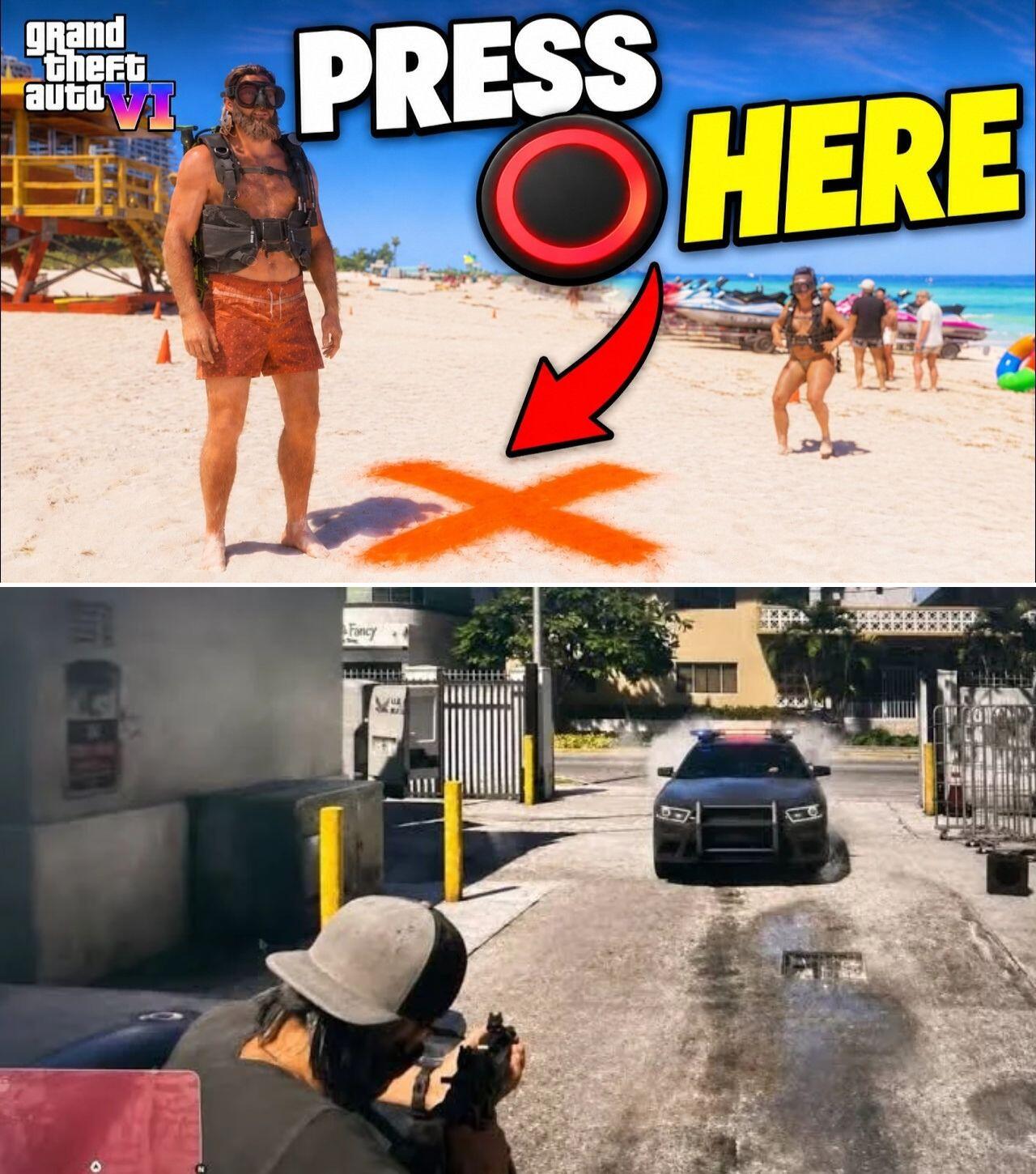
Players digging into Grand Theft Auto 6 are sharing a growing list of hidden button combos, camera toggles, and contextual actions that go well beyond standard driving and shooting—and many fans say discovering even a handful of them changes how chaotic, stealthy, or cinematic a session feels.
Across Reddit threads, X posts, Discord servers, TikTok clips, and YouTube breakdowns—including a detailed secret-controls guide from creator Gaming with Griff Griffin alongside broader community discussions—gamers have been comparing notes on mechanics that aren’t always spelled out in early prompts.
While some tricks are pure sandbox chaos—such as chucking a beer bottle or smoking while firing a pistol one-handed—others have real tactical value, from shooting out lights in the dark using Focus mode to leaving a car door open and the engine running for a faster getaway.
Riding in Truck Beds, Partner Driving, and Chase Cameras
One of the most eye-catching vehicle tricks reported by players involves hopping into the back of a truck rather than taking the driver’s seat. Standing near the rear of a truck and holding Triangle lets a character climb into the bed and sit down; from there, holding right on the D-pad and pressing X can prompt a partner to take the wheel, while holding down on the D-pad and clicking the right stick lets players pick a destination from icons on screen.
Players also note that holding L2 lets characters interact with nearby pedestrians or drivers on the road—whether chatting, taunting, or provoking a reaction—while chatting with Lucia can add extra flavor during trips.
Even more attention has gone to chase cameras during police pursuit. Players report that holding down on the D-pad and holding the start button while on foot during a chase activates a dedicated on-foot chase camera featuring cinematic angles, CCTV-style views, or NPC perspectives. Hijacking a vehicle exits that mode, but repeating the same input while driving a stolen vehicle during a chase brings up a police-oriented chase camera—cycling through dash cams, hood angles, and overhead chopper views as wanted levels climb, including dramatic angles when ramming police cruisers.
Buses have their own quirky interaction: holding Triangle on a bus can pull the driver right out, and switching to a close interior camera—then clicking the right stick for a reverse view—lets players watch passengers react to rough driving. Holding Triangle by a passenger door can also open it for a partner, sometimes earning a thank-you or even a heart reaction.
Combat Shortcuts, Focus Mode, and Smarter Getaways
In firefights and stealth runs, players say quick inputs save precious seconds compared to digging through menus:
-
Quick-throwing explosives: Aiming with L2 and pressing R1 tosses an equipped explosive such as a sticky bomb or grenade faster than opening the weapon wheel.
-
Quick weapon swapping and aiming tweaks: Pressing Triangle swaps between two equipped weapons, tapping left on the D-pad while aiming switches aiming shoulders to peek around corners, and holding L2 while clicking the right stick enters a first-person view—useful when aiming with a sight or shining a flashlight.
-
Co-op mark-and-execute: Marking a target with right on the D-pad and shooting an unmarked nearby enemy can prompt a partner—if positioned nearby rather than stuck elsewhere, such as on a roof—to take down the marked target.
-
Leaving doors open and engines running: Double-tapping Y (or Triangle) on exit keeps the engine running, while flicking the left stick away from the vehicle as you exit leaves the door open—a combination players use to hop back in quickly without restarting the engine or fumbling with the door.
-
Using doors as cover and runaway car bombs: Exiting with a door open and pressing R1 next to it lets players take cover behind the door like police officers, while holding brake, revving, double-tapping Y to bail out, or slapping a sticky bomb onto a vehicle before sending it rolling creates improvised diversions.
Players have also highlighted deeper uses for Focus mode beyond slow-motion gunplay. Clicking both sticks in can highlight hidden cash behind vents, pinpoint enemies or helicopters through scenery, make fish glow in water before casting a line, and cut glare so players can shoot out light bulbs to darken areas for stealth—while slow-motion camera speed can be adjusted up or down with the right stick or exited by clicking it in.
Everyday Quirks, NPC Interactions, and Phone Shortcuts
Part of GTA 6‘s appeal, according to community chatter, lies in small details that make routine actions feel more lived-in.
On the road, players note that holding R2 partway down—right at the point of trigger resistance rather than pressing all the way—can help maintain the speed limit, while driving up to a fast-food spot and holding Triangle lets players order and either take the food with X or toss it out with Square. On bikes, players point to kicking with Square, jumping and kicking (Circle then Square), flipping people off (down plus R1), wheelies and bunny hops, and balancing an endo with brake and the left stick.
Small quality-of-life touches abound elsewhere: holding Triangle at cash registers or safes loots everything in one go; double-tapping left on the D-pad toggles the radio off and on; pressing Triangle then tapping Circle cancels an accidental hijacking; holding L2 near a guard dog and pressing Triangle tosses a snack (up to a carry limit of 10) to pacify it; and opening the weapon wheel lets players toggle hats forward or backward or adjust a gaiter/mask with the D-pad.
Even brawling and lounging have specific inputs. Jason can clinch with R2 near a railing, line an opponent up sideways, and push toward the rail with another R2 press to throw them into the water—a move players say works for Jason rather than Lucia. On foot or at the beach, holding Circle lets a character sit or rest (with L2 used to greet or taunt passersby), holding Triangle uses a sunbed, and holding a beer or smoke lets players drink or smoke with R1 while aiming and shooting one-handed with R2.
Finally, players remind newcomers about phone and app tricks: scanning toilet QR codes with the Wink/Wankit app rather than the camera app triggers side content, and browsing Snapmatic as a passenger (using D-pad up and down) and pressing Square on posts can sometimes set a destination—such as a street race—for your driver to head straight toward.
Why Hidden Controls Keep Driving Viral Clips
As GTA 6 continues to generate endless clips across social media, players say half the fun comes from discovering how much responsiveness is baked into the controller layout. Whether someone is staging a cinematic cop-cam chase, lining up a co-op takedown, or simply cruising at the speed limit while listening to music, experimenting with button combinations keeps turning familiar moments into new stories.
Để lại một bình luận