GTA 6 has SECRET driving combos nobody told you about… and cheap paint jobs actually ruin your car with ORANGE PEEL?! 🚗💨🤯
If you’ve been driving around Leonida like it’s still 2013, you’re missing out on wild hidden controls that completely change how you drive, shoot, and escape!
Players are uncovering tricks like double-tapping to leave your engine running when you bail out, using your car door as quick cover or a bash weapon, activating turn signals, toggling voiced GPS that’s OFF by default, and even using PS5 DualSense trigger resistance that subtly pushes back near speed limits! Plus, people are warning against cranking dead zones way up—and calling out cheap paint shops leaving visible orange peel on your ride! 🚨🔥
Did you already figure out these hidden driving combos, or are you about to test them on the streets of Leonida right now?
Check out the full breakdown before your next drive 👇🔥
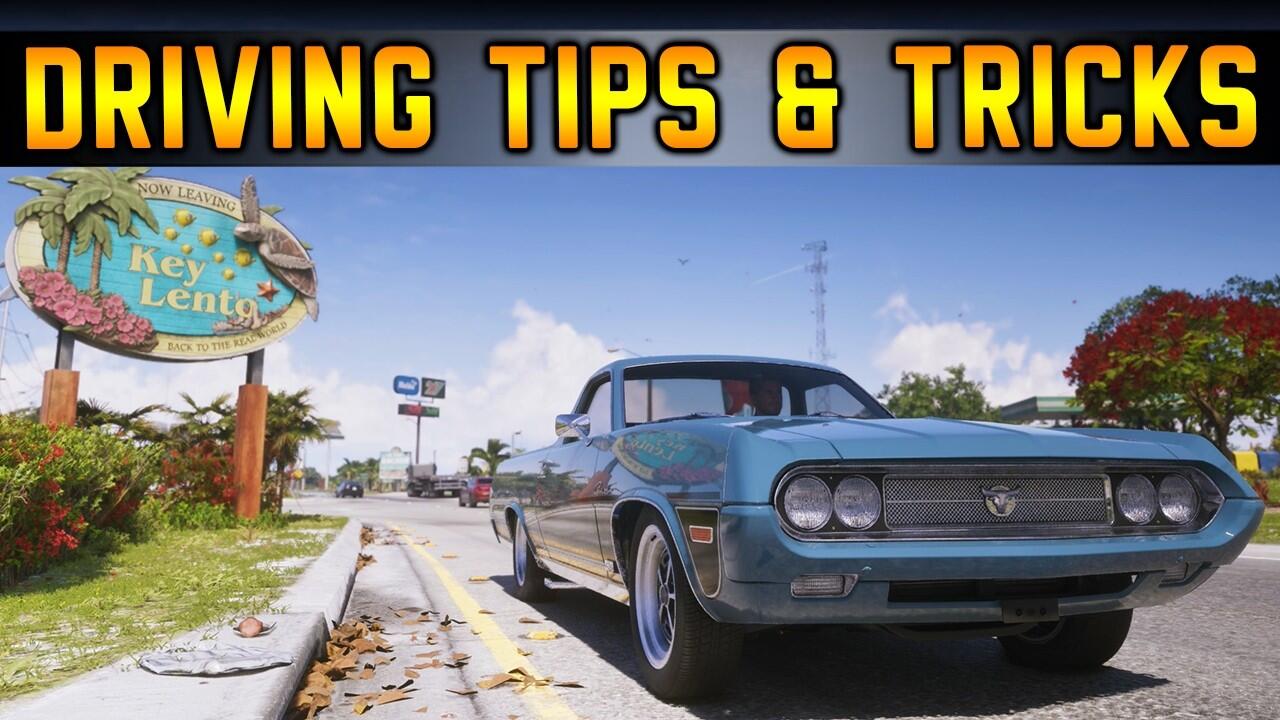
As console players rack up hours behind the wheel in Grand Theft Auto VI, a wave of hidden driving combos, controller quirks, and customization details is circulating online—alongside lively debate over how realistic the game’s handling feels.
For Grand Theft Auto veterans, driving isn’t just transit between missions—it’s the backbone of exploration, chases, and chaotic sandbox moments. With GTA 6 placing players in Leonida, fans have been trading discoveries across social feeds about unprompted button combinations, audio settings left off by default, and subtle visual touches on vehicles that separate casual cruises from tuned-in play.
The conversation picked up momentum after YouTuber HokiHoshi compiled a spoiler-free driving guide titled “Everything I Wish I Knew Before Driving in GTA 6 | Hidden Combos, Upgrading & More”, testing early-chapter mechanics around Jason’s Vapid Gonado while highlighting community tips and settings tweaks that many players overlook.
Secret Button Combos and On-the-Fly Vehicle Moves
One of the biggest takeaways from recent community testing is how many vehicle actions are tucked behind quick button presses or combinations without explicit tutorials:
-
Turn signals and quick toggles: Pressing left or right on the D-pad activates turn signals—which can be toggled off manually or shut off automatically after completing a turn—while double-tapping left on the D-pad quickly switches the radio on or off, and tapping circle or B cycles headlight modes (low beam, high beam, auto, and off).
-
Engine-on exits and quick cover: Double-tapping triangle or Y lets a player hop out while leaving the engine running—useful for quick getaways without drawing suspicion, or for giving a moving car a quick nudge toward a target before stepping out. Tapping square or X interacts with doors (closing an open door or bashing nearby targets), and pairing an exit with door opening and R1 creates fast makeshift cover—complete with a warning chime if the door is left open with headlights on.
-
Road rage and extra vehicle menu: Beyond clicking the left stick for the horn, clicking the right stick triggers trash talk when pedestrians or other drivers are nearby, while holding the right stick glances back. Using R1 or right bumper while unarmed lets a character flip off targets depending on camera direction, and holding left on the D-pad plus up on the right stick opens extra vehicle controls such as hazard lights, engine start/stop, or tailgates on supported vehicles.
-
Auto-drive and towing: With a destination marked, holding down on the D-pad, pressing start for cinematic mode, and hitting circle or B engages auto-drive—where triggers can influence speed while following traffic rules. Players can also push vehicles by walking into them or holding square/X for a harder shove, and back up to trailers to connect when equipped with a tow hitch.
PS5 DualSense Feel, Voiced GPS, and Camera Tweaks
Beyond raw button inputs, players have been dissecting how controller feedback and camera options shape day-to-day driving:
-
Adaptive trigger resistance: On PS5’s DualSense controller, default adaptive trigger settings can introduce a soft resistance point on throttle that hovers around road speed limits before pushing past to accelerate harder, alongside two-stage braking feel. Players who prefer different response curves can adjust or disable adaptive trigger options or the adaptive speed limiter in settings.
-
Voiced GPS turned off by default: For players who prefer less reliance on the minimap or want extra immersion, a voiced navigation option—alongside voice-only or chime-only modes, routed through the PS5 controller speaker if enabled—can be toggled in audio settings.
-
Dead zones and camera height: Some players struggling with early handling have suggested raising dead zones, but creators and community members advise caution: pushing dead zones too high can hurt aiming and fine steering control. Lowering dead zones (such as from a default of 4 down to 2 in HokiHoshi’s setup) or switching vehicle camera height to high can help some players read turns and traffic more clearly.
Early Races, Shop Variety, and “Orange Peel” Paint Details
For players looking to earn cash early or customize rides in Leonida, community tips also point to a few practical nuances:
-
Early dirt-track rentals and launches: Entering early races via a small rental fee can offer solid early payouts if players finish high enough to clear the entry cost. On dirt tracks, a cheaper rental option can strike a useful balance of speed and weight for bumping rivals, while holding throttle on the countdown as “one” appears can trigger a strong launch off the line.
-
Specialist shops and paint finish scrutiny: Different customization shops carry different upgrades, making it worthwhile to visit specialist locations rather than assuming every garage has every part. Meanwhile, a widely shared detail across social media notes that budget “pay and spray” paint jobs can show visible orange peel texture—prompting players who care about clean bodywork to seek out higher-end or professional paint options instead.
Community Debate Across Reddit, X, Discord, and TikTok
Across Reddit, X, Discord, and TikTok, driving discussions reflect both enthusiasm for GTA 6’s simulation depth and honest debate over how it feels out of the box. Many players love discovering small realism touches—from chimes and turn signals to door cover and paint texture—viewing them as hallmarks of a dense open world.
At the same time, some drivers note that GTA 6 leans toward more simulated physics and noticeable input weight compared to arcadier entries, with starter rides like Jason’s car feeling heavy or “boat-like” early on before upgrades and better vehicles tighten up handling.
What Drivers Are Watching Next
As millions of players log miles across Leonida, sharing unadvertised controls, controller configurations, and shop quirks has become a staple of the post-launch routine. Whether players stick to stock cruisers, tune up specialty rides, or experiment with auto-drive and stealthy getaways, these community-sourced driving discoveries are quickly becoming essential reading for anyone getting behind the wheel in GTA 6.
Để lại một bình luận